An update to PontaHR from April 1, 2026
Login with Microsoft and more control over sign-in methods
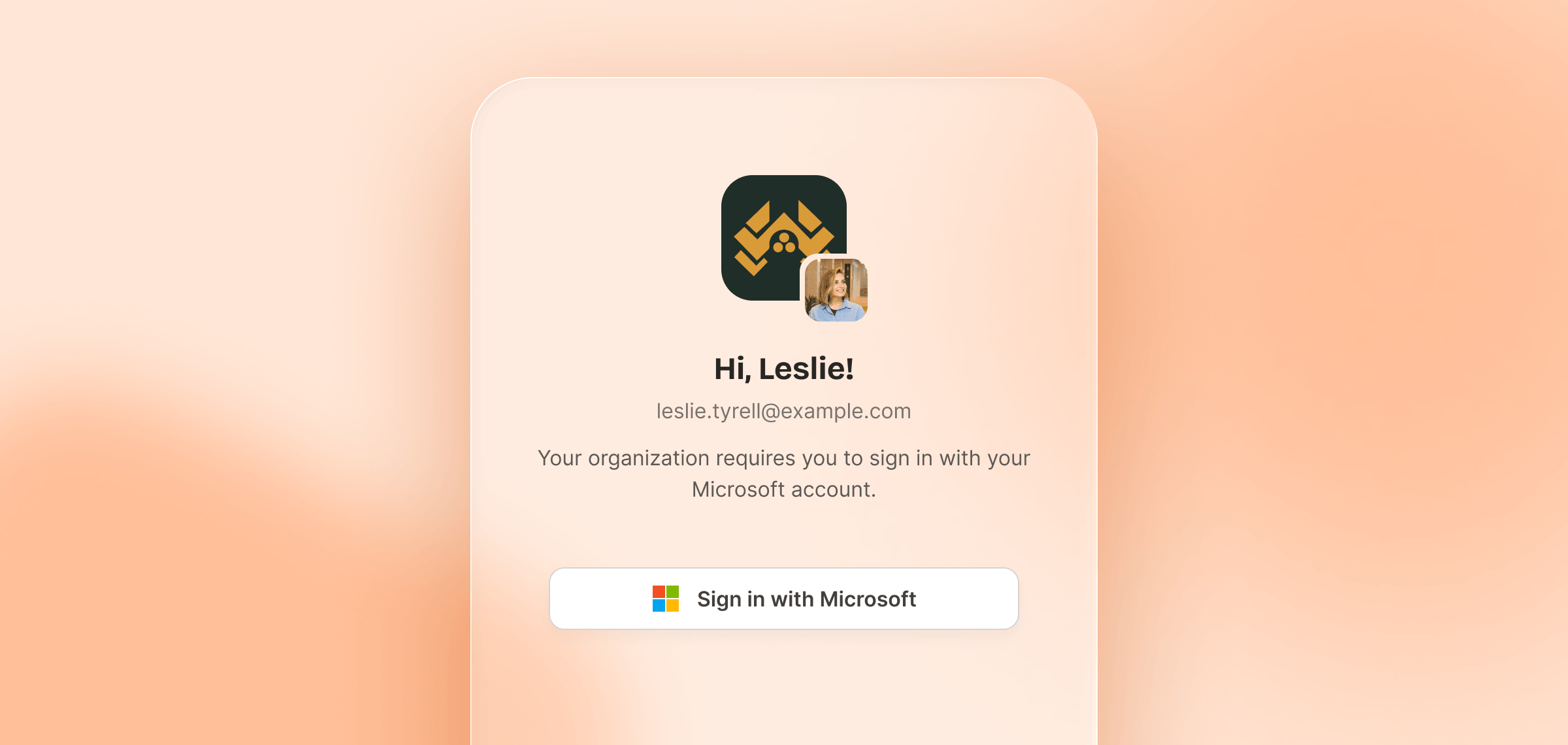
Improvements to Authentication
You can now sign in and sign up with your Microsoft account — same seamless experience as Google, just for the other half of the office.
We've also updated the sign-in flow: org admins can now control exactly how their team members authenticate. Head to your org settings to choose between:
- Google or Microsoft only (based on your org's identity provider)
- Email & password only
- All of the above (default — no changes required)
When someone enters their email, PontaHR checks their org's settings and shows only the allowed options.
New Features
✨ Jobs widget — You can now embed a live list of your open job listings on your own website. Copy a snippet, paste it in, done.
✨ Role & permissions on invite — When inviting team members, you can now set their role and permissions upfront instead of doing it after the fact.
✨ Bulk move + email — When moving multiple candidates between stages, you'll now be prompted to compose an email to them as part of the same action.
Improvements and Fixes
- 🐞 Fixed a confusing edge case where users without email/calendar permissions could still connect their email account – they'd see the OAuth prompt but couldn't actually do anything with it. Now we only show what's relevant to your role.
- 🐞 Email template picker was rendering incorrectly on tablets.
- 🐞 Certain scorecards weren't scrollable on phones and tablets.
Like what you see?
We're continuously working on new things and improving existing ones. We'd love for you to have a say in what we're building next.
Request a Demo