An update to PontaHR from June 9, 2026
Connect PontaHR to your AI assistant with MCP
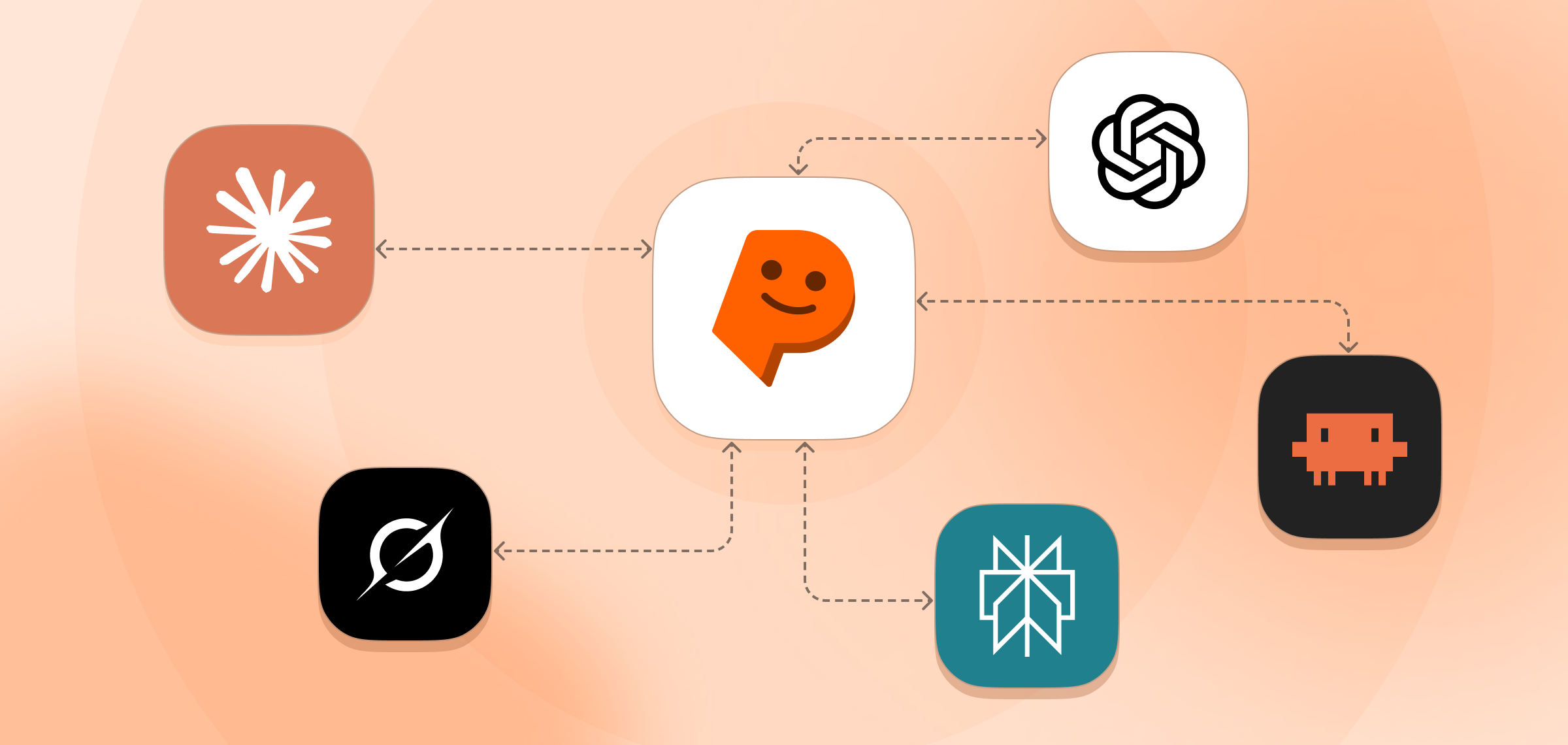
You can now connect PontaHR to your favorite AI assistant and ask about your hiring in plain language.
Ask things like "What's the funnel for the Senior Backend role?" or "Summarize David's application and latest scorecard," and get answers pulled straight from your live data.
What is MCP? MCP (Model Context Protocol) is an open standard for connecting AI assistants to the tools you already use. Instead of being locked into one assistant, PontaHR exposes a single MCP connection that any supporting assistant can plug into. You sign in once with your PontaHR account — no API keys, no copy-pasting data back and forth — and your assistant can read straight from your live hiring data, with your existing permissions fully respected.
What's in this release:
- Connect PontaHR over MCP — sign in with your account, no API keys
- Works with Claude, ChatGPT, Grok, Perplexity, and Claude Code
- Ask about listings, candidates, applications, timelines, comments, scorecards, and reports in natural language
- Your existing permissions apply — the assistant only sees what you can see
Read-only for now (it reads your data but won't make changes) — write actions are on the roadmap.
👉 Setup guide — available to all workspaces today.
Improvements and Fixes
- ✨ Reorder interview kit questions. Drag to reorder questions within a section of an interview kit.
Like what you see?
We're continuously working on new things and improving existing ones. We'd love for you to have a say in what we're building next.
Request a Demo