.png)
Leaving Breezy HR? How to Switch Without Starting Over
What to compare before choosing a new ATS, how to bring your hiring history with you, and how PontaHR can help with the move.
Oct 30, 2026•8-min read
A few of our newest customers came to PontaHR from Breezy HR. If you're considering the same move, we wanted to put together something useful: what to compare before you switch, what you can export, and how to keep hiring while you move.
Changing an applicant tracking system is easy to put off. There are candidates halfway through interviews, feedback your team has already written, and people from previous hiring rounds you'd like to contact again. Starting over would mean losing a lot of work.
You shouldn't have to start over. But you do need to check what will transfer before you close your old account.
Why consider leaving Breezy HR?
Breezy can be a good fit for a small hiring team. Its paid plans include unlimited users and job openings, and it offers built-in video interviewing. If it works well for your team and the cost makes sense, there's little reason to move.
If you're already looking at alternatives, these are the things we'd compare.
The cost of the features you actually use
Breezy Intelligence is a separate, credit-based purchase. Credits start at $30 per 100,000 and don't expire, but usage depends on the AI tools you run. Breezy explains the details in its guide to Intelligence credits.
That model may suit a team that uses AI occasionally. If you want it to review every new application, include that usage in your budget. The subscription price alone won't tell you what you'll spend.
In PontaHR, candidate summaries and AI shortlisting are included in Grow, without a separate credit purchase.
Which plan includes your everyday tools
Breezy puts customizable interview guides and scorecards on Growth and above. PontaHR includes interview kits and scorecards in both plans.
For a small team trying to make interviews more consistent, that can be a meaningful difference. You might need a shared set of questions and a useful way to compare feedback long before you need the rest of a more expensive plan.
Compare the plan you'd actually buy. The cheapest plan on either pricing page may not cover your process.
How it feels to do the work
Price is straightforward to compare. Everyday usability takes a little more effort.
When you try another ATS, run through a real hiring task. Review an application, find the candidate's previous feedback, arrange an interview, and ask a hiring manager to leave a scorecard. See where they get stuck or need help.
A demo can make almost any tool look easy. Trying it with the people who'll use it tells you much more.
Breezy HR vs. PontaHR: a quick comparison
Here are the main differences to check when choosing a plan.
| Breezy HR | PontaHR | |
|---|---|---|
| Monthly subscription | Startup $189; Growth $329; Business $529; custom Pro pricing | Start €75; Grow €179 |
| Users and job openings | Unlimited on paid plans | Unlimited on both plans |
| AI candidate review | Separate Breezy Intelligence credits | Candidate summaries and shortlisting included in Grow |
| Custom interview guides and scorecards | Growth and above | Interview kits and scorecards in both plans |
| Interview scheduling | Startup and above | Grow |
Checked on October 30, 2026. Prices above are for monthly billing, in each provider's listed currency: USD for Breezy and EUR for PontaHR. Both offer annual billing at a lower effective monthly rate. See Breezy's pricing and PontaHR's pricing for current details.
Breezy also sells SMS and onboarding separately. If you use either, check how you'll handle that work after a move; an ATS subscription won't necessarily replace everything you're using today.
PontaHR's Start plan covers applicant tracking, career pages, interview kits, scorecards, and reporting. Grow adds Candidate Intelligence, email, and interview scheduling. Choose based on the work your team needs to do.
Leave complicated hiring behind.
The all-in-one ATS that makes hiring faster, simpler, and genuinely enjoyable for your whole team.
How to migrate from Breezy HR without losing your candidates
A candidate's name and email address are only part of their record. You also want to know which role they applied for, how far they got, what your team thought, and what you've already said to them.
The aim is to preserve that context wherever the export and the new system support it, and identify any gaps before you switch.
1. Keep Breezy active while you prepare
Export and check your data before downgrading. Breezy's free Bootstrap plan limits access to candidates added in the last 30 days. A downgrade takes effect immediately and also removes access to some features, including custom pipelines.
Keep your paid account available until you've checked the migration and finished the handover. You may need to go back for a missing document or compare a record with the original.
2. Export your candidates and inspect what's included
Breezy's candidate export instructions describe a CSV export from the company or position level:
- Open Candidates and select the records you want to export.
- Use Columns to choose the fields to include.
- Open More, then choose Export Candidates.
- Download the file when it's ready.
Use an admin account for a complete company-level export. Other roles may have limited access. Check your filters and include relevant candidates from closed roles and talent pools as well as current vacancies.
The Resume column contains links to PDFs, rather than the CV files themselves. Make sure the documents are downloaded or transferred into the new system before you give up access to Breezy.
Open a sample export with whoever is handling the import. Check which notes, feedback, email history, attachments, and custom fields are present, and which need another route. Don't assume a CSV includes everything you can see on a candidate's profile.
3. Match your jobs, stages, and hiring materials
Write down the stages for each active role and agree where they belong in the new ATS. If you're simplifying your pipeline, decide how each old stage maps to a new one before importing candidates.
For example, if “Phone screen” and “Recruiter call” become a single “Initial conversation” stage, both groups need to land there. Candidates awaiting a final decision should still be easy to find.
Save your email templates, interview questions, and scoring criteria too. These may need to be recreated separately. Check any automatic messages before enabling them so importing an existing candidate doesn't send them a fresh application acknowledgment.
4. Test a small batch before moving everything
Pick a few records with different histories: a new applicant, someone with interview feedback, a candidate with several attachments, and someone who applied for more than one role.
Check that the right information is attached to the right person and application. Open the CVs. Read the notes. Confirm the stage and dates. If something is missing or mapped incorrectly, fix it before the full import.
After the full import, compare candidate and application counts by role and spot-check records again. One person can have several applications, so those two totals may be different.
5. Choose a handover time and update your application links
You can keep hiring in Breezy while the new system is being prepared. Agree on a time when your team will start working in the new ATS, then bring over any applications, messages, and feedback added since the first export.
Update the careers page on your website, links in live job ads, and any application forms that still point to Breezy. Submit a test application and check that it reaches the right role and sends the expected confirmation.
Check upcoming interviews too. Make sure your team knows where to find them and that candidates' existing meeting links still work.
6. Check the move before ending your subscription
Ask someone who works in the hiring pipeline every day to review it. They should be able to find their active candidates, see the feedback they need, and continue the next conversation.
Resolve any missing records, confirm new applications are arriving, and keep a secure copy of the export under your normal data retention policy. Then review your Breezy cancellation and renewal terms and end the subscription when you're ready.
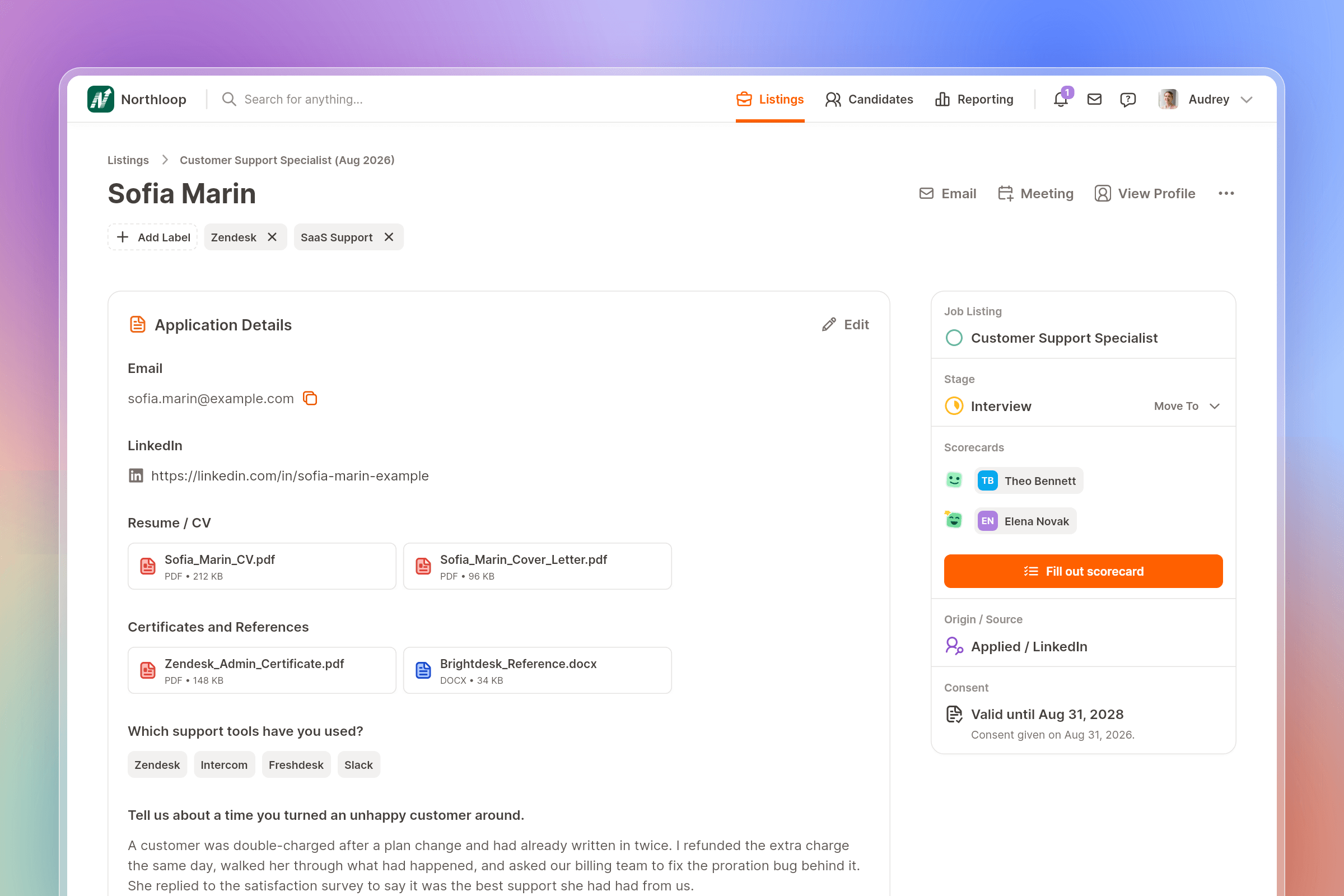
Moving from Breezy HR to PontaHR
We include free migration with both PontaHR plans. Our team works from your export or access to your current ATS, checks what can be transferred, and helps bring your hiring history across.
If something can't be moved, we'll explain what and why before you switch. You can keep working in Breezy while we prepare PontaHR, and we'll agree on the handover time together.
If you're considering the move, book a demo and talk through your migration. We'll show you PontaHR and work through what the switch would involve for your team.
Read more
↓
.png)
Candidate screening software: a practical guide for small teams
How small teams can use AI summaries and shortlisting to spend less time sorting through CVs and more time talking to promising candidates.
Oct 19, 2026•6-min read

Best AI Recruiting Tools 2026: the SMB Version
Our shortlist for teams that hire 20 people a year, and not 2,000.
Oct 13, 2026•7-min read

Best European HR Conferences in 2026
Top picks for HR Professionals in the upcoming year.
Oct 9, 2025•5-min read